
 Maria
MariaI finally found an easy way to pay for foreign subscriptions without hassle or huge fees. Thank you Payscrow!
Pay for subscriptions online and in stores when you travel
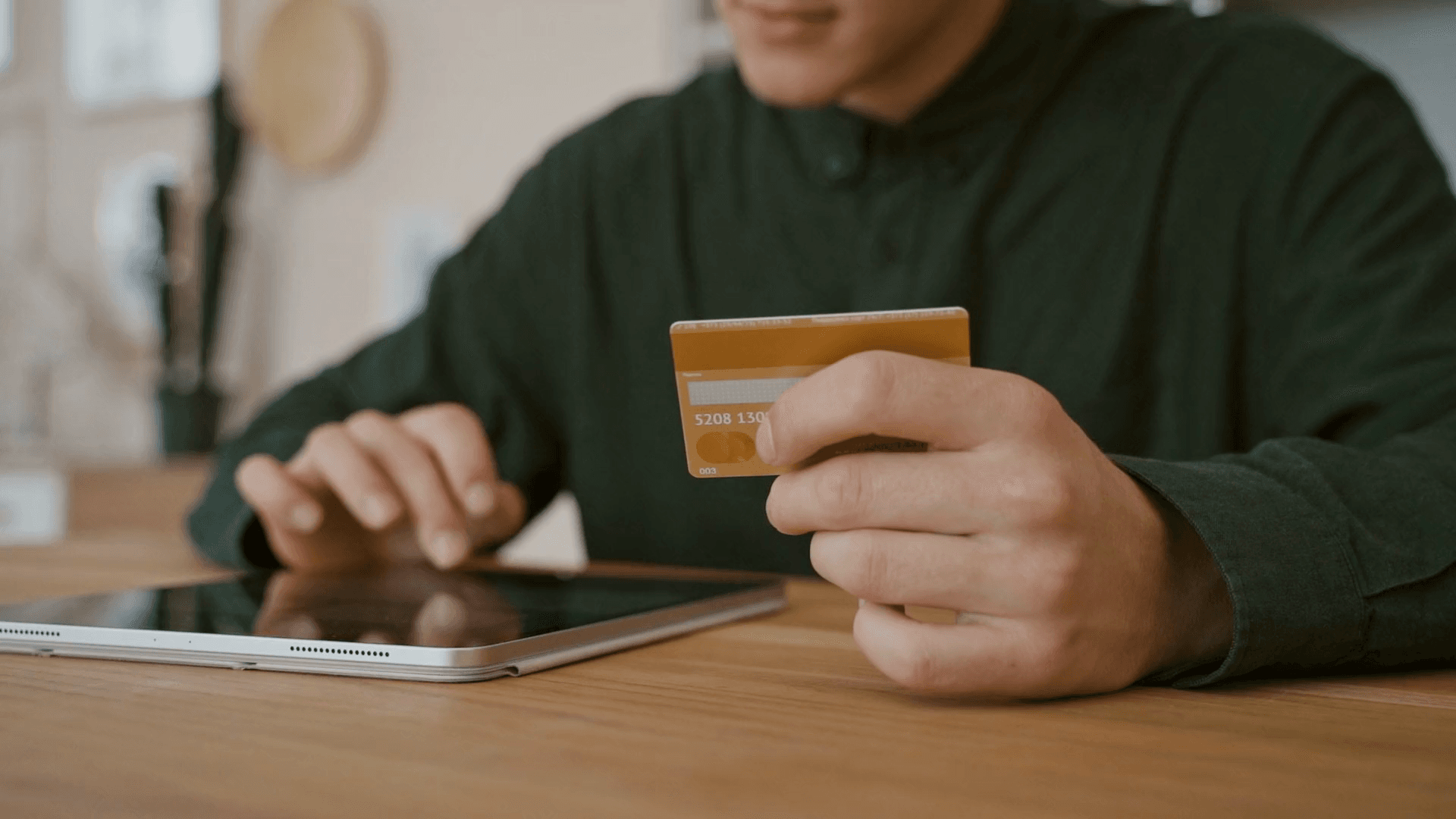
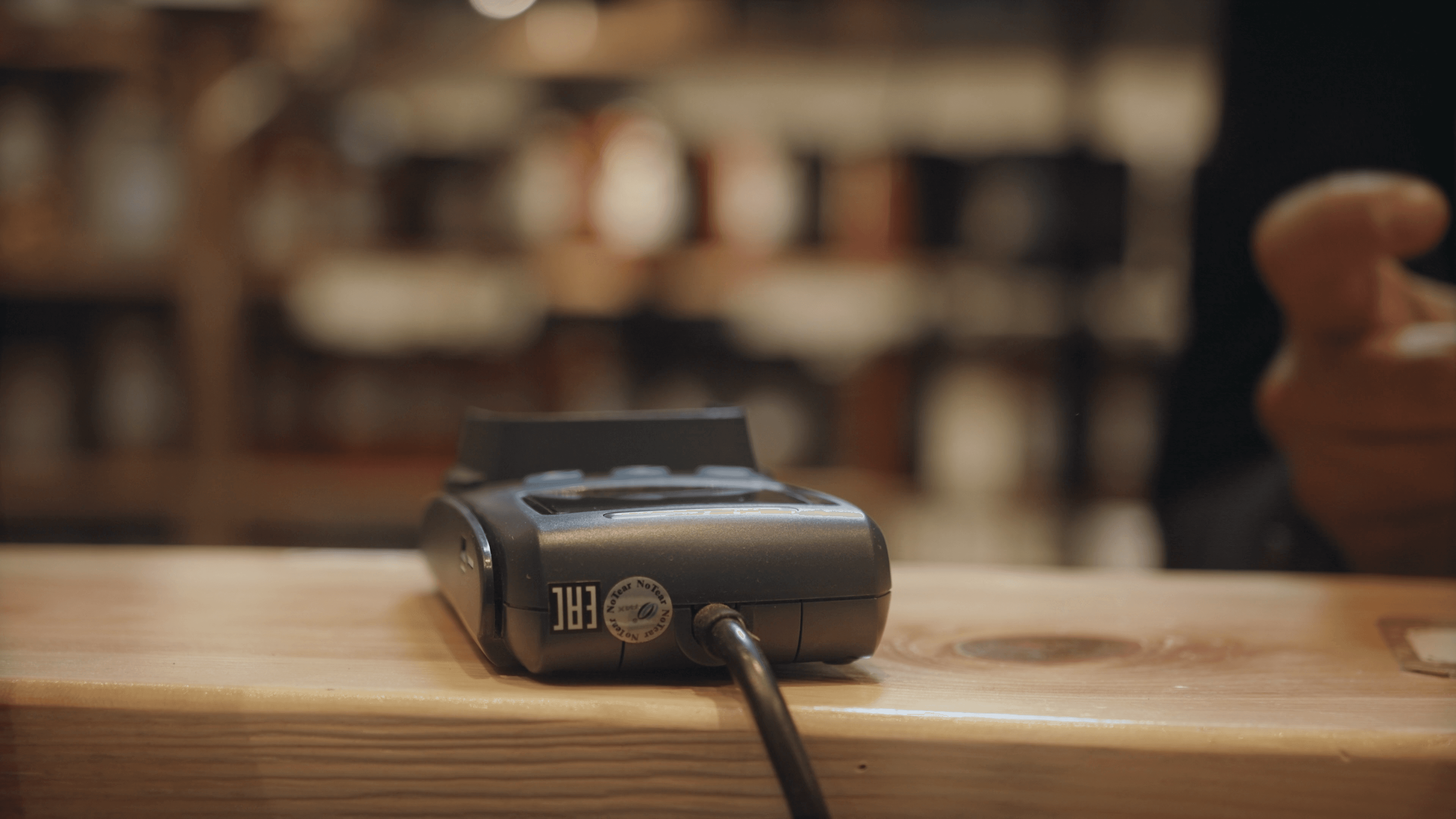
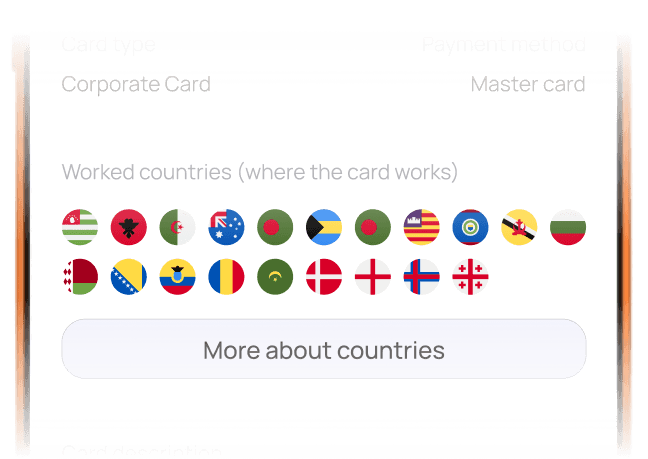
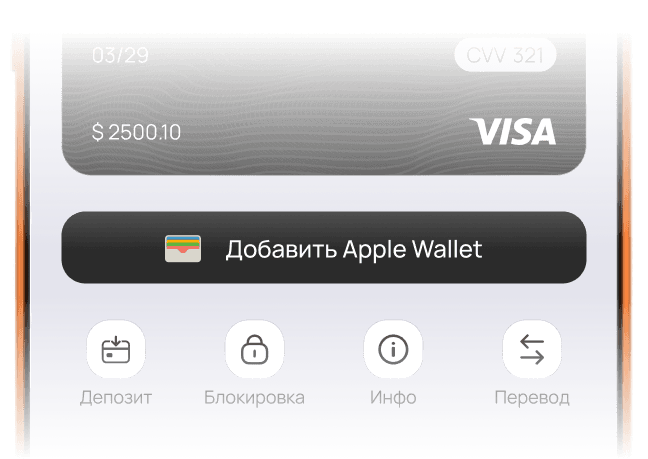
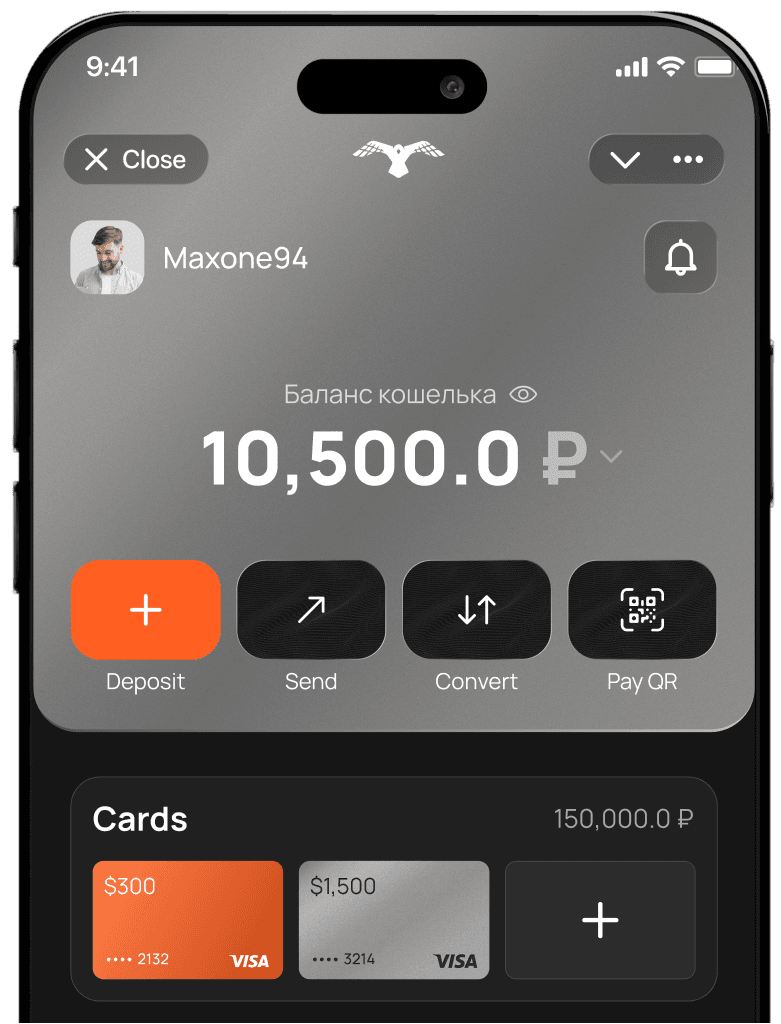
Tap to pay abroad in stores with Apple Pay or Google Pay
Add rubles through SBP (Russia’s Faster Payments System), credited in $ or €
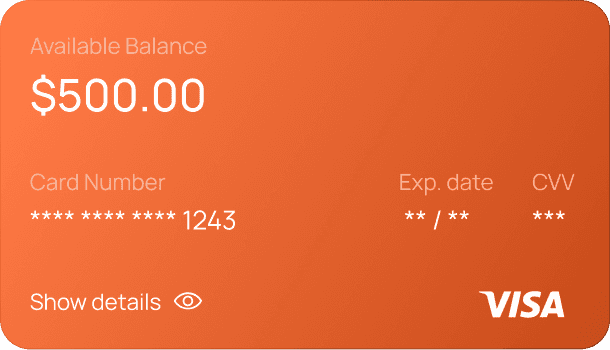
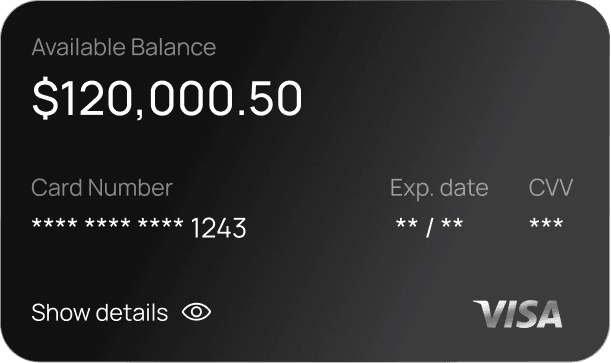
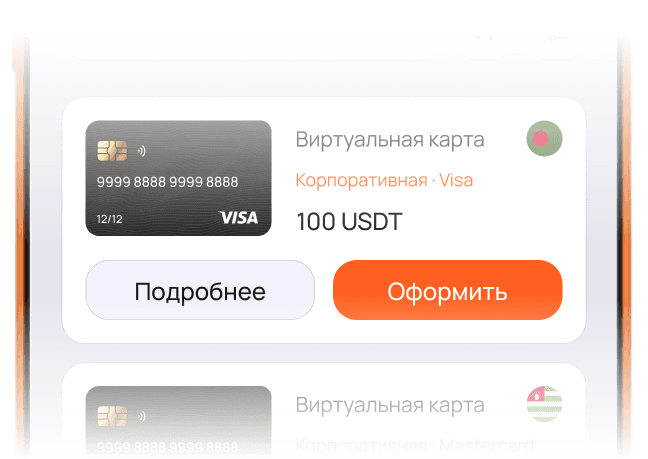
Virtual card issuance takes about 2 minutes

Pay from your card balance by QR where merchants support it. Ruble top-up via SBP is a separate step in your Russian bank’s app.
Travel with less reliance on exchange offices and cash
Pay for streaming, cloud, and other services

Pay on game stores and platforms you use

Pay for hotels and tickets

For large purchases

Built for paying abroad and with international merchants

 Maria
MariaI finally found an easy way to pay for foreign subscriptions without hassle or huge fees. Thank you Payscrow!
 Alexey
Having the wallet in Telegram is very convenient — easy access and a nice UI, and it doesn’t take up space on my phone, which matters to me.
 Maxim
MaximHappy with the wallet: transactions are fast, conversion rates are fair, no clutter — exactly what I need.
 Artem
ArtemPayscrow saved me hours every month traveling to exchange offices; now I can pay for purchases freely.
 Anton
AntonIn my experience it’s a solid choice for travel abroad — payments have been reliable for me, limits fit what I need, and rates beat exchange booths.
 Anastasia
I’m surprised such a simple, convenient service didn’t appear sooner! Paying by QR is super convenient!
 Pavel
PavelPayscrow is a universal wallet for Russia and abroad — ideal for nomads and frequent travelers.
 Olga
OlgaFor anyone working internationally while living in Russia, it’s the best solution today.

Open the app → Card → Top up.
Open the app → Card → Order.
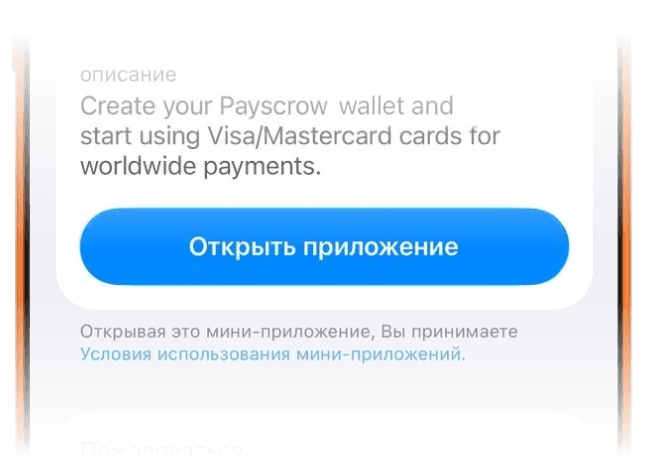
On the app home screen after launching Wallet.
Card maintenance is free. You only pay for card issuance depending on its tier.